How to Download Just Part of a Video: Clip by Start and End Time
September 2026
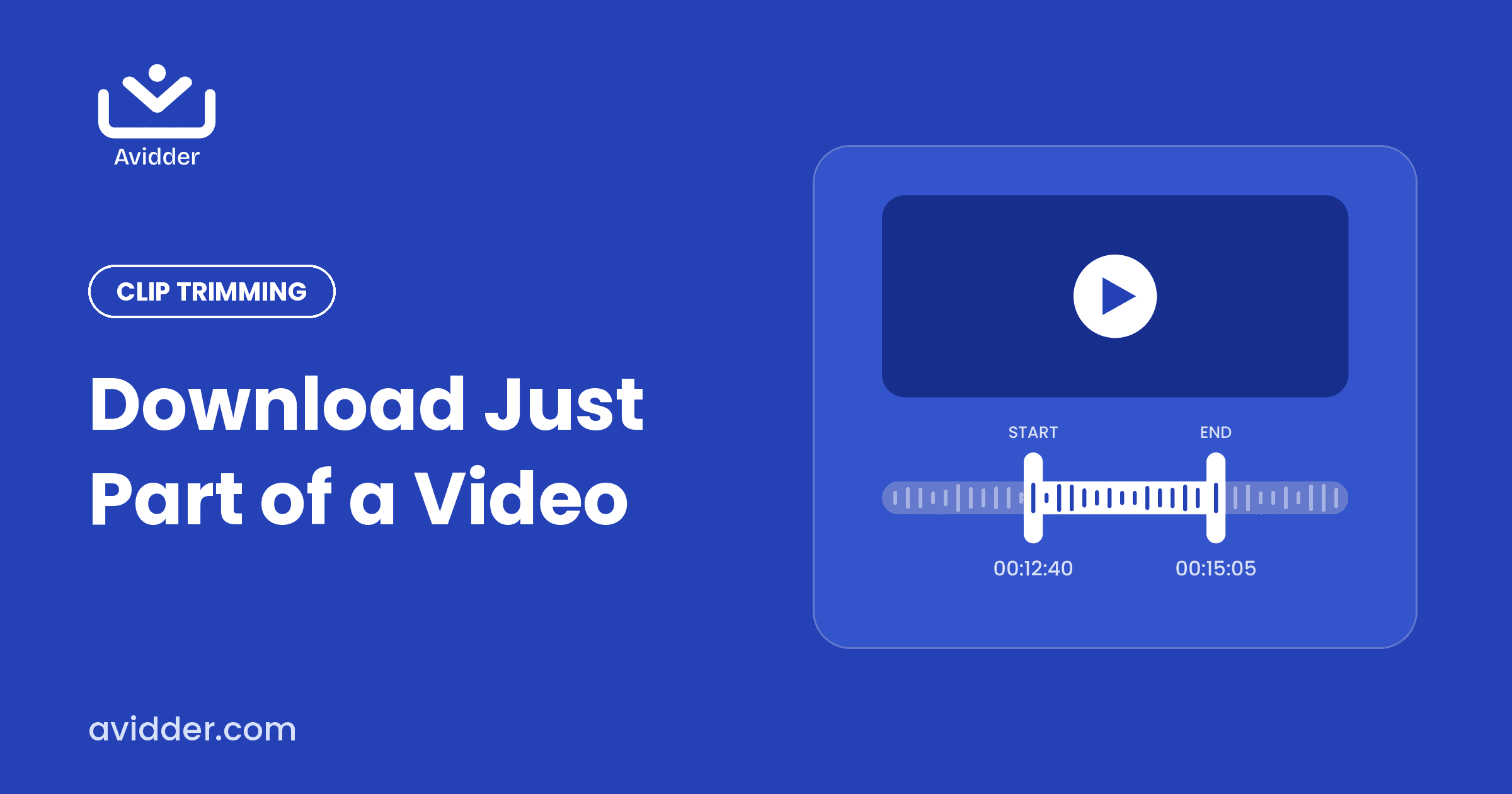
You're watching a 90-minute sermon, lecture, or interview, and there's one two-minute stretch you'll want again. Downloading the whole file just to cut out that moment wastes time, storage, and data. There's a simpler way: download only the part you need.
Why clip instead of downloading everything?
- You save storage. A two-minute clip is a fraction of the size of a full-length HD video.
- You save time. No need to open an editor and trim afterwards.
- You get a shareable file. Short clips are what people actually watch, send, and post.
- You stay focused. A clip keeps the one message you care about front and center.
How to download a specific part of a video with Avidder
- Copy the link of the video from the platform where it's published.
- Paste it into the box on Avidder.
- Choose your format: HD MP4 for video, or MP3 for audio only.
- Set your start time and end time for the section you want.
- Click download and save your clip.
There's no registration, no login, and no hidden fees.
Tips for getting a clean clip
- Start a few seconds early. Speakers often build up to their best line — beginning 5 to 10 seconds before it gives the clip context.
- End on a full thought. Cutting mid-sentence feels abrupt. Let the speaker finish the point.
- Note your timestamps first. Play the video once and jot down the times of the moment you want — it takes a minute and makes trimming precise.
- Choose the right format. Pick MP4 if the visuals matter. Choose MP3 if it's a talk, podcast, or audiobook passage you'll listen to on the go.
What kinds of content work well as clips?
- A powerful moment from a sermon or devotional
- A key explanation from a lecture or training session
- A quotable answer from a podcast interview
- A motivational speech highlight
- A passage from an audiobook or spoken-word recording
A note on responsible use
Only download content you own, have permission to use, or that is licensed for reuse. Respect creators and the terms of the platform where the content is hosted, and give credit when you share clips.