MP4 vs MP3: Which Format Should You Download?
October 2026
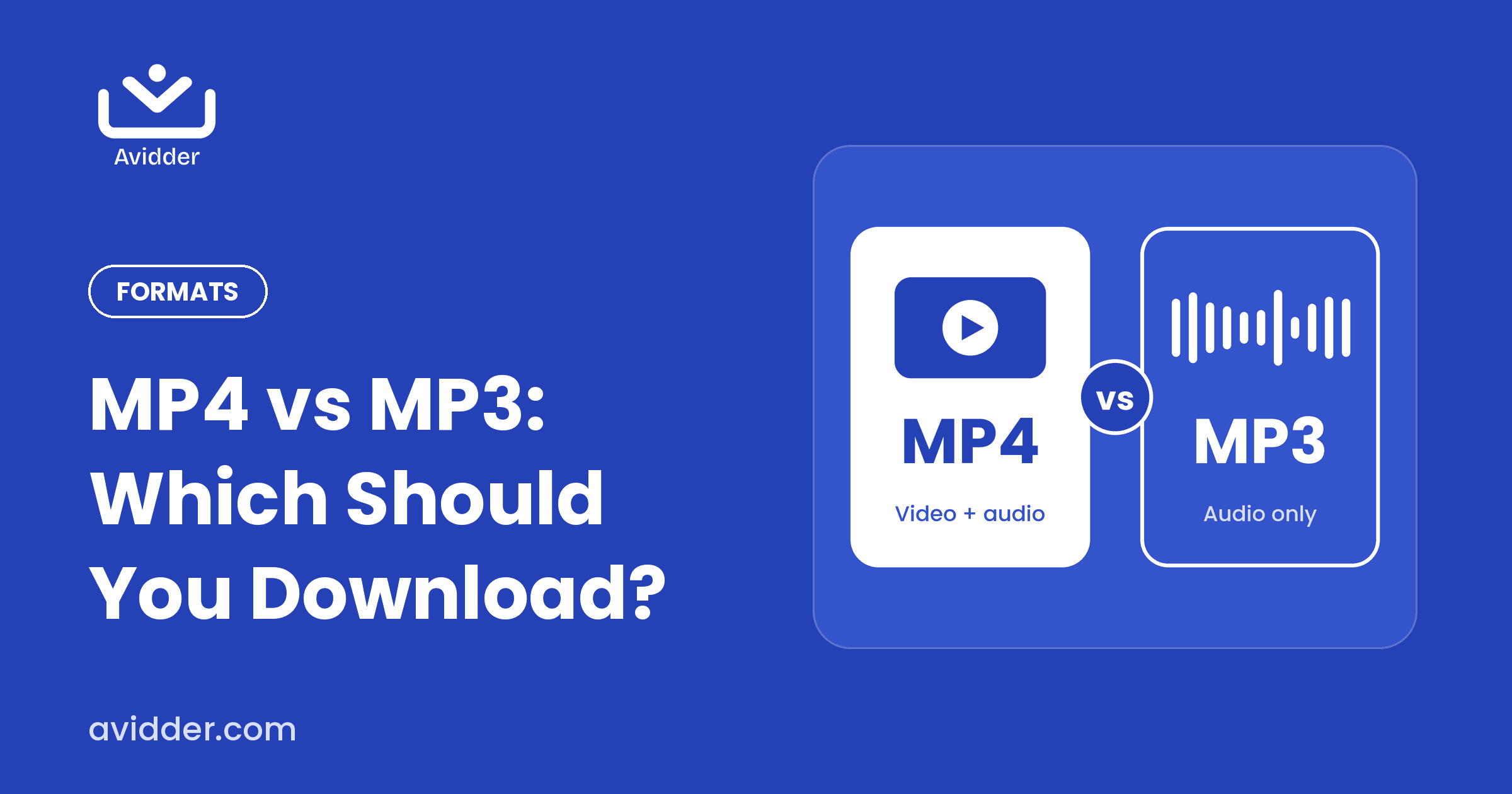
When you download content online, you'll usually choose between MP4 and MP3. They sound similar, but they do different jobs. Picking the right one saves storage and gives you the experience you actually want.
The short answer
MP4 is a video format. It carries picture and sound. MP3 is an audio format. It carries sound only. If you need to see it, choose MP4. If you only need to hear it, choose MP3.
MP4 in more detail
MP4 is the most widely supported video format. It plays on phones, tablets, laptops, smart TVs and most editing software. With HD MP4, you get sharper picture quality, which is great for:
- Sharing clips on social media
- Playing content on a big screen
- Presentations and training sessions
- Content where visuals matter, such as demonstrations, slides or on-screen text
MP3 in more detail
MP3 keeps only the audio, so files are much smaller. It's ideal for:
- Podcasts and interviews
- Sermons, lectures and talks
- Audiobooks and spoken-word recordings
- Motivational speeches you listen to while walking, driving or working out
Side-by-side comparison
| MP4 | MP3 | |
|---|---|---|
| Contains | Video and audio | Audio only |
| File size | Larger | Much smaller |
| Best for | Watching, sharing, presenting | Listening, offline audio |
| Works on | Nearly all devices | Nearly all devices |
| Storage impact | Higher | Lower |
How to choose
Ask yourself three questions:
- Do I need the visuals? If yes, MP4.
- Will I mostly listen while doing something else? If yes, MP3.
- Is storage limited? MP3 is lighter, especially for long content.
Can I have both?
Yes. Some people download the HD MP4 for sharing and the MP3 for personal listening. Because Avidder supports both formats, you can pick whichever fits the moment.
Combine format with clipping
You don't have to download an entire file in either format. Choose your start and end times to save only the segment you need, which keeps files even smaller. Here's how clipping works.